Blog post templates are pre-built content frameworks that provide writers with a repeatable structure of headings, sections, and content prompts designed to streamline the writing process from first outline to final draft. If you've ever stared at a blank screen wondering how to organize your next article, you already understand the problem these templates solve.
They remove the guesswork from content creation by giving you a tested layout that guides your thinking, not just your formatting. Whether you're writing a how-to guide, a listicle, or a product review, the right template transforms scattered ideas into a coherent piece.
For beginner and intermediate bloggers, blog post templates represent one of the fastest ways to publish more consistently and at a higher quality. The stakes are real: blogs without clear structure lose readers within seconds. A strong template keeps both you and your audience on track from the opening hook to the closing call to action.
Key Takeaways
- Blog post templates provide a proven structure so you never start from a blank page.
- Good templates include headings, section prompts, and built-in content planning support.
- Using a template cuts average drafting time by roughly 30 to 50 percent.
- Templates are flexible frameworks, not rigid scripts that limit your creativity.
- Pairing templates with AI writing tools accelerates both outlining and drafting stages.
What Are Blog Post Templates and How Do They Work?
Anatomy of a Template
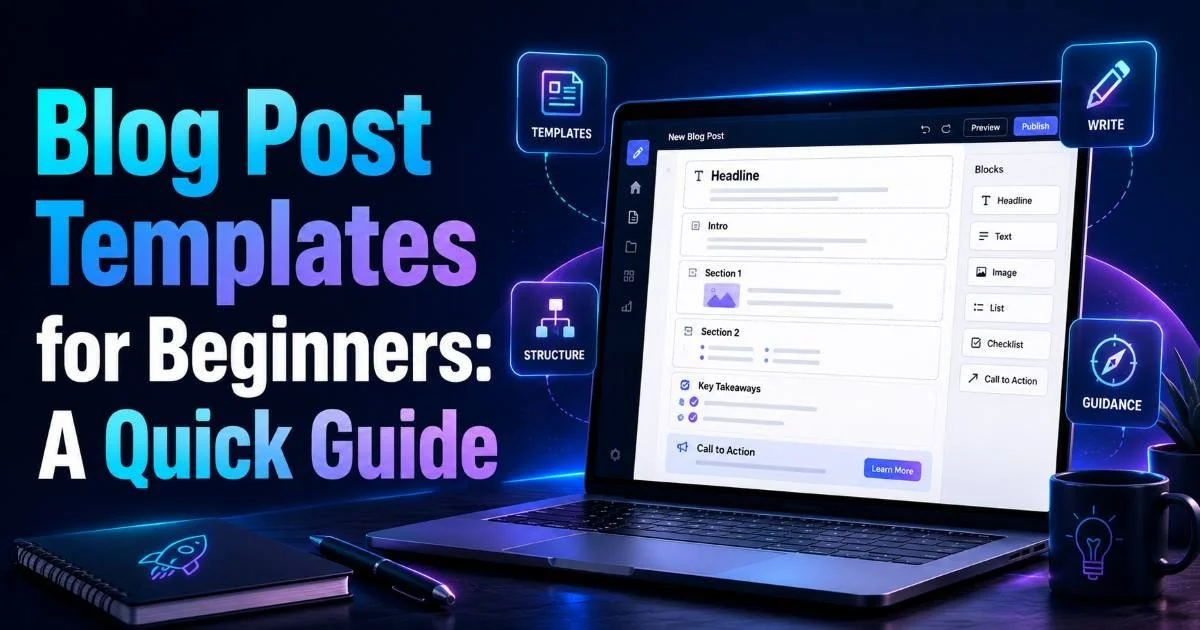
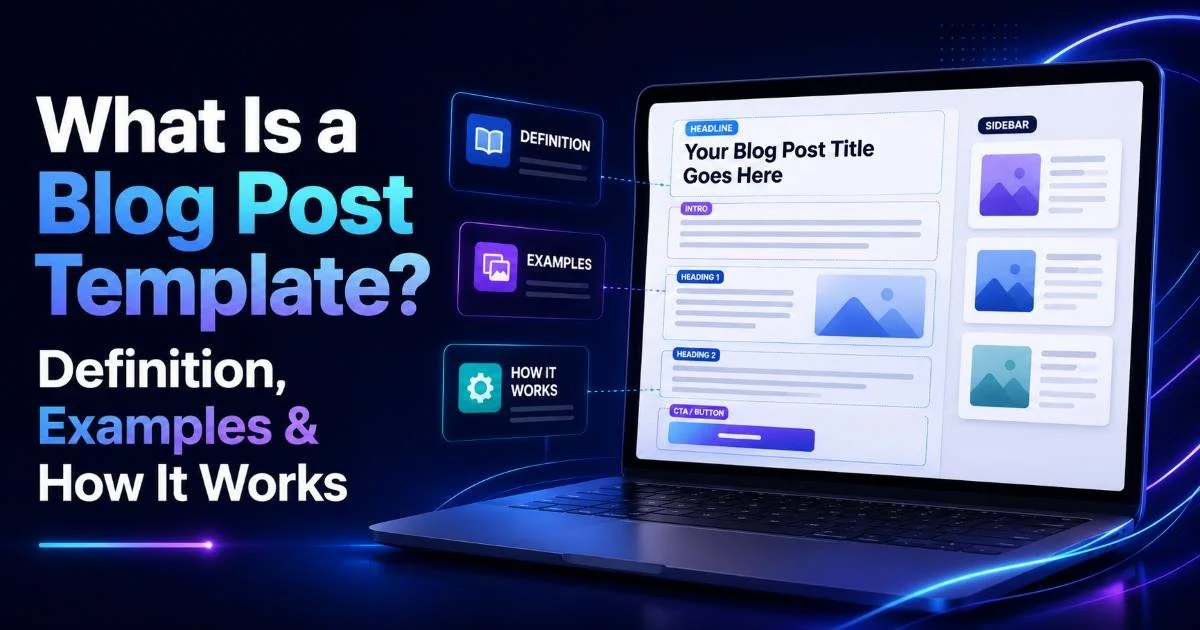
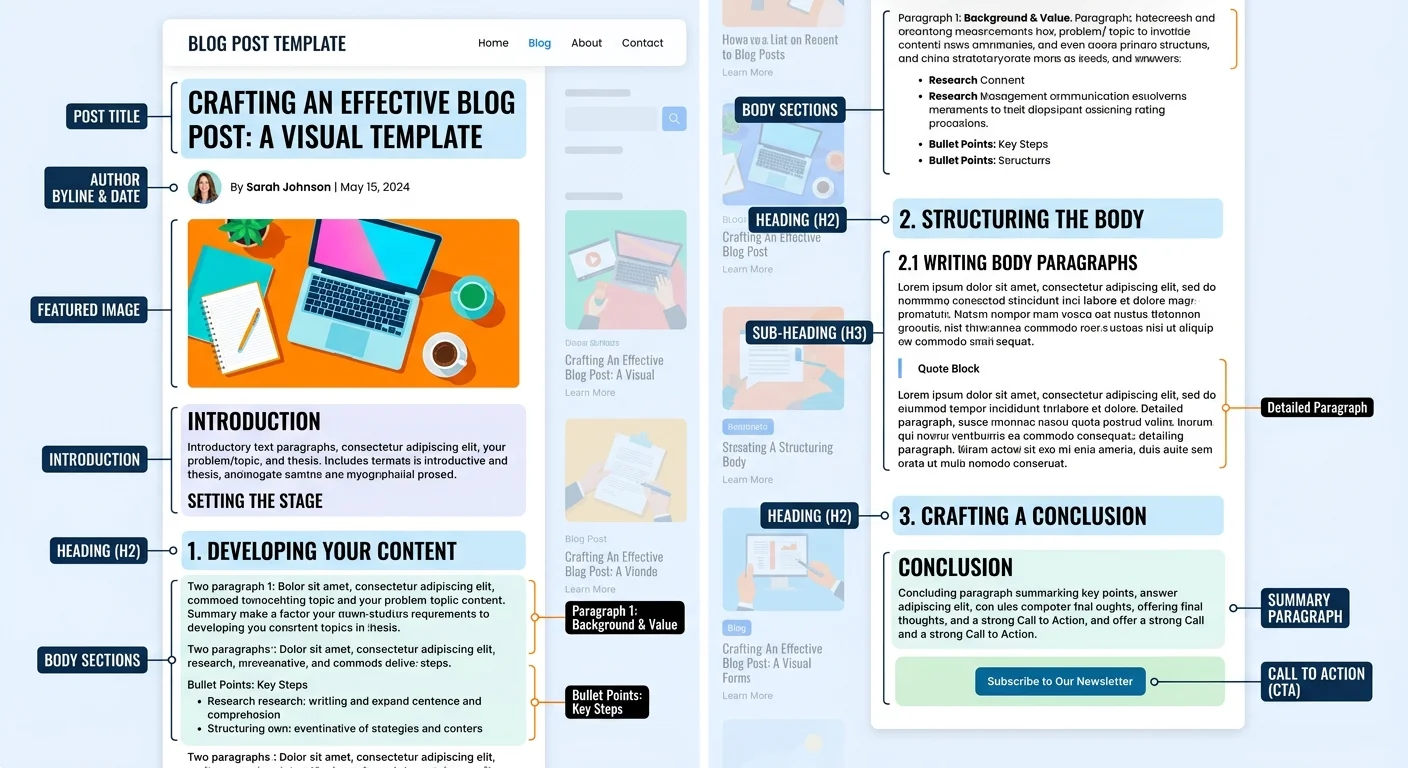
A blog post template is a reusable document that maps out the skeleton of an article before you write a single sentence of actual content. At minimum, it includes a title placeholder, an introduction prompt, a set of H2 and H3 heading slots, and a conclusion section. Many templates go further by adding word count targets per section, internal linking reminders, and SEO checkboxes. Think of it as a blueprint for a house: the rooms are defined, but you choose the paint and furniture.
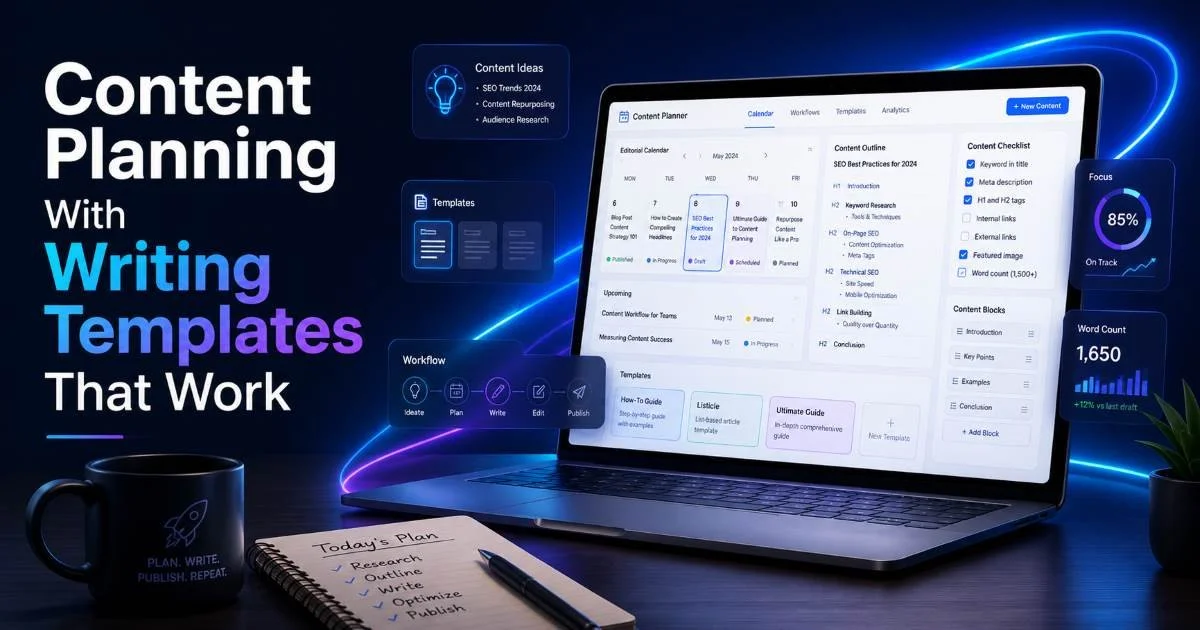
The best templates also function as a content planning template, meaning they help you decide what to write, not just how to arrange it. They might include fields for target keyword, audience persona, and the specific problem the post solves. This planning layer is what separates a truly useful framework from a generic outline with a few bullet points. When these elements are baked in, every post you produce is strategically aligned with your blog's goals.
The Workflow in Practice
Here's how a typical blog writing framework operates in a real workflow. First, you select a template that matches your content type, such as a tutorial, comparison, or opinion piece. Next, you fill in the planning fields: your keyword, audience, and core thesis. Then you populate the heading slots with your specific subtopics. Finally, you draft each section using the prompts and word count targets as guardrails. The entire process usually takes 30 to 50 percent less time than writing from scratch.
The sequential nature of this workflow matters. By frontloading decisions about structure and strategy, you free your creative energy for the actual writing. You're not simultaneously figuring out what to say and how to organize it. That cognitive separation is the core advantage. Tools like Blog Template make this even easier by generating ready-to-use frameworks that you can customize for any niche or content type.
Start with just two or three template types (how-to, listicle, review) and master those before expanding your library.
Why Templates Matter for Content Planning
Consistency and Speed
Publishing consistency is the single biggest predictor of blog growth, and templates directly address the bottleneck. When every post requires you to reinvent the structure, the mental overhead adds up fast. A blog outline template eliminates that overhead by giving you a starting point that's already been validated. Over weeks and months, the time savings compound into dozens of extra posts you wouldn't have otherwise published.
Speed matters for another reason: content freshness. Search engines reward blogs that publish regularly with higher crawl rates and improved indexing. If your workflow lets you move from idea to published draft in two hours instead of five, you can cover trending topics while they're still relevant. Templates don't just save time; they make your entire editorial calendar more responsive to opportunities.
SEO and Reader Experience
A well-designed blog structure guide naturally produces content that performs better in search. That's because templates enforce the use of hierarchical headings (H2, H3), logical section flow, and appropriate content length. These are the exact signals search engines look for when determining whether a page deserves to rank. Blogs that use structured templates tend to have lower bounce rates because readers can scan the article and find what they need quickly.
Reader experience extends beyond SEO. A clear structure with blog heading templates helps visitors decide within five seconds whether your article contains what they came for. Bold subheadings act as signposts. Short introductory paragraphs at the top of each section set expectations. Tables and bullet points break up dense information. All of these best practices are much easier to implement when they're baked into your template rather than remembered ad hoc during the writing process.
"Templates don't write your content for you; they give your content a backbone so your ideas can stand tall."
Real Examples of Blog Templates in Action
The How-To Template
The how-to template is one of the most popular blog post templates because it maps directly to search intent. Readers typing "how to" into Google want step-by-step instructions. A good how-to template includes an introduction that identifies the problem, numbered steps as H2 or H3 headings, a troubleshooting section, and a brief summary. Each step gets its own short section with an action verb leading the heading. For example, "Step 3: Configure Your Email Settings" is far more scannable than "Email Configuration."
Real-world bloggers in niches from cooking to software development use this format daily. A food blogger might apply the template with steps like "Prep the Ingredients," "Mix the Batter," and "Bake at 350°F." A SaaS blogger might use "Install the Plugin," "Connect Your API Key," and "Run Your First Test." The template stays the same; only the content changes. That reusability is the whole point.
The Listicle Template
Listicles remain one of the highest-performing content formats on the web. A listicle template typically starts with an introduction explaining why the list matters, followed by numbered H2 sections for each item, and ends with a brief wrap-up. Each item section should include a short description, a specific example or statistic, and a takeaway. The template might also prompt you to add an image or screenshot for every third item to maintain visual variety throughout the post.
If you're pairing your template with AI writing assistance, tools that use large language models can help you brainstorm list items, generate first drafts of descriptions, and even suggest related internal links. For a comparison of which AI models work best for this kind of writing task, this guide to the best LLMs for writing is a practical resource. Combining a strong template with the right AI tool gives you both structure and creative velocity.
Templates work best when customized for your specific audience. A B2B tech blog template will differ significantly from a personal lifestyle blog template.
Common Misconceptions About Blog Templates
Do Templates Kill Creativity?
This is the objection that comes up most often, and it's understandable but misguided. Templates define structure, not voice. A sonnet has 14 lines and a specific rhyme scheme, yet Shakespeare used that "template" to produce some of the most creative writing in the English language. Similarly, a blog post template tells you where your sections go, how long they should be, and what function each one serves. What you actually write within those sections is entirely up to you.
In fact, constraints often fuel creativity. When you don't have to spend mental energy on structural decisions, you can direct all of it toward crafting better analogies, finding sharper examples, and developing your unique point of view. Many professional writers, including journalists, novelists, and screenwriters, work within rigid formats. The format becomes invisible to the reader; what shines through is the quality of thought.
The One-Size-Fits-All Myth
Another common misconception is that one blog post template should work for every type of content. That's like expecting a single recipe to produce both bread and soup. Different content goals demand different structures. A product review needs a verdict section and a pros-and-cons table. An opinion piece needs a clear thesis and counter-arguments. A data-driven report needs charts and methodology notes. Building a small library of three to five templates covers most use cases.
| Template Type | Best For | Key Sections | Typical Length |
|---|---|---|---|
| How-To | Tutorials, walkthroughs | Steps, troubleshooting, summary | 1,200 to 2,000 words |
| Listicle | Roundups, recommendations | Numbered items, intro, wrap-up | 1,500 to 3,000 words |
| Comparison | Product or tool reviews | Criteria, side-by-side table, verdict | 1,500 to 2,500 words |
| Definitional Explainer | Educational content | Definition, examples, misconceptions | 1,200 to 1,800 words |
| Opinion/Thought Leadership | Industry commentary | Thesis, evidence, counter-argument | 800 to 1,500 words |
Avoid using templates so rigidly that every post on your blog reads identically. Adapt heading counts, section order, and tone to fit each specific topic.
The goal is to have a blog writing framework for each major content type you produce, then adapt the details per article. Your templates should evolve over time as you learn what resonates with your audience. Track metrics like time on page, scroll depth, and social shares for posts built on different templates, then refine accordingly. This iterative approach turns your template library into a genuine competitive advantage.
Frequently Asked Questions
?How do I fill in the planning fields inside a blog post template?
?Is a blog post template the same as a general content planning template?
?Will using a how-to or listicle template really cut my drafting time by 30–50%?
?Do blog post templates make all my articles sound the same?
Final Thoughts
Blog post templates are not training wheels you eventually outgrow; they're professional tools that scale with your ambitions. They bring order to chaos, speed to sluggish workflows, and consistency to scattered publishing schedules.
Whether you grab a ready-made framework from Blog Template or build your own from scratch, the act of starting with structure will improve nearly every piece you publish. Start with one template this week, write two posts using it, and measure the difference yourself.
Disclaimer: Portions of this content may have been generated using AI tools to enhance clarity and brevity. While reviewed by a human, independent verification is encouraged.